How to Pair AirPods With iPhone, Mac, Android and Windows
AirPods pair in seconds with Apple gear, and they work with almost everything else too. The manual pairing button is the key.

With an iPhone, pairing is automatic: open the case near the phone, tap Connect, done. The same Apple Account then makes them appear on your Mac, iPad and Watch without further setup.
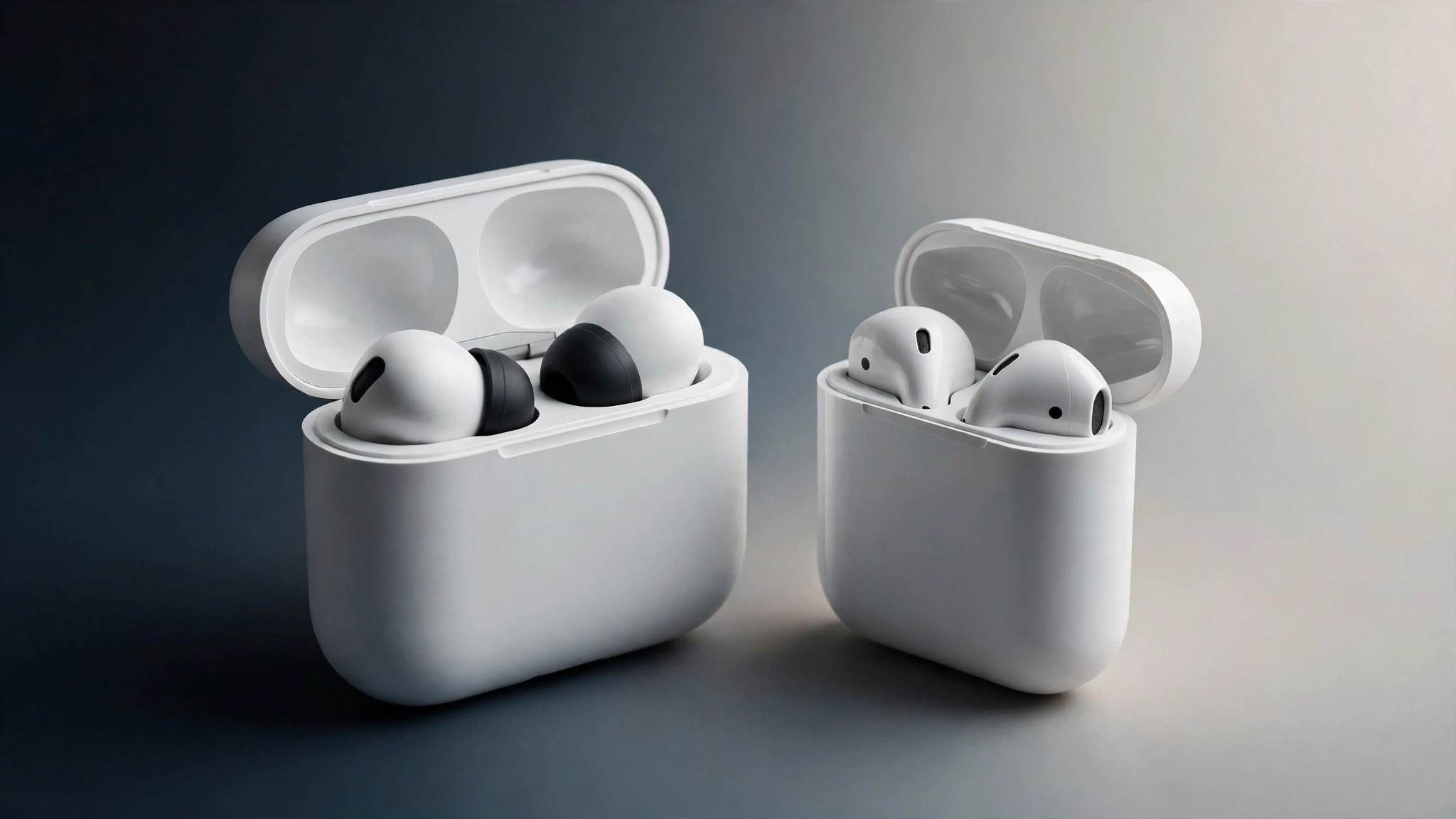
For Android, Windows or a game console, use manual pairing: put both AirPods in the case, open the lid, and press and hold the setup button on the back of the case until the light flashes white. The AirPods now appear in the other device Bluetooth list like any earbuds.
Best deal check
Get the best deal on AirPods 4
Live store prices and real discounts, checked against the official Apple Store price. Tap a store to see the current deal.
On a Mac signed into a different account, you will also find them under System Settings, Bluetooth after the same button hold. If pairing fails, forget the AirPods on the old device first, reset by holding the button for about 15 seconds until the light flashes amber then white, and try again.
AirPods 4
Compare live prices before you buy.