Pixel Density (PPI) Calculator
Enter a resolution and diagonal size to get pixels per inch, pixel pitch and a Retina-class verdict.
About the Retina PPI Calculator
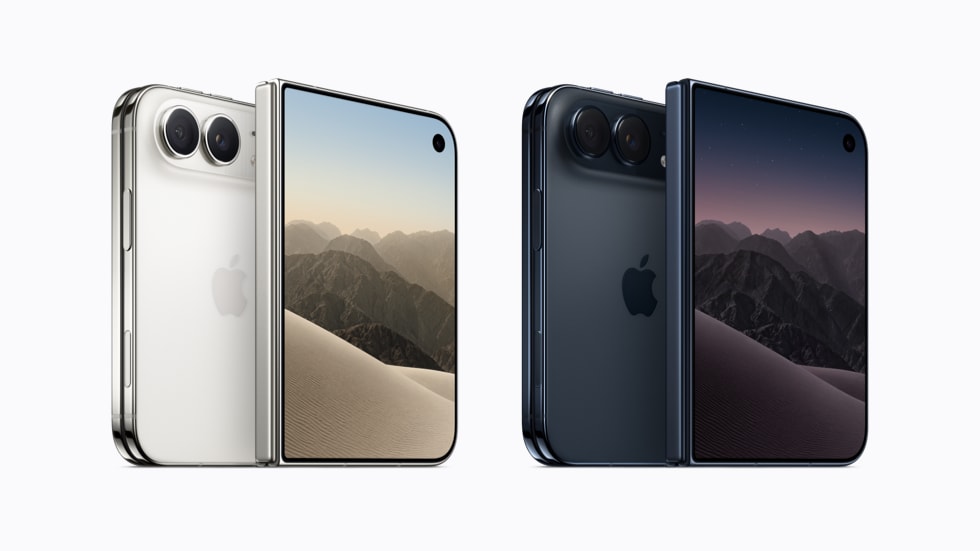
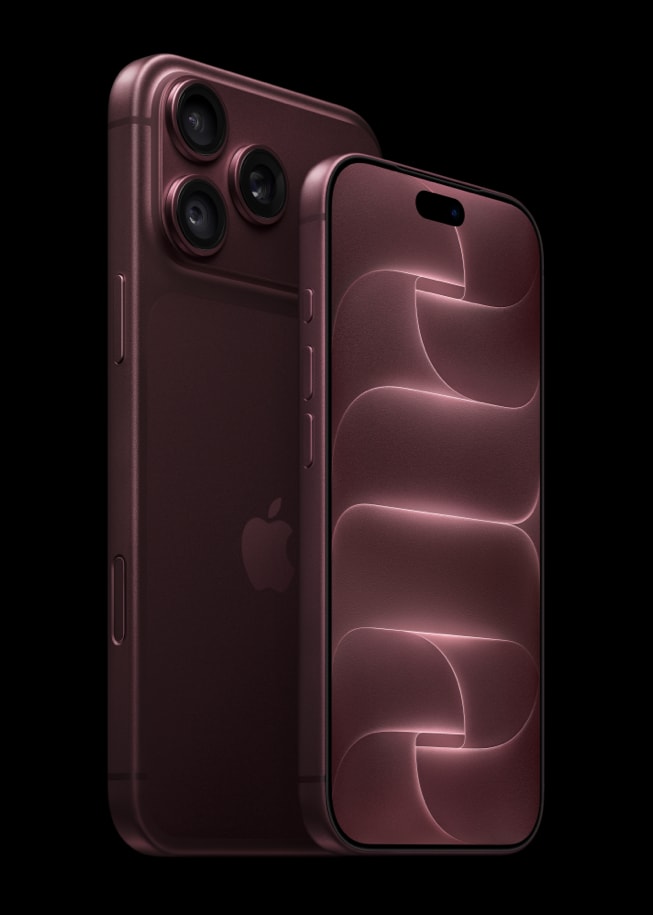
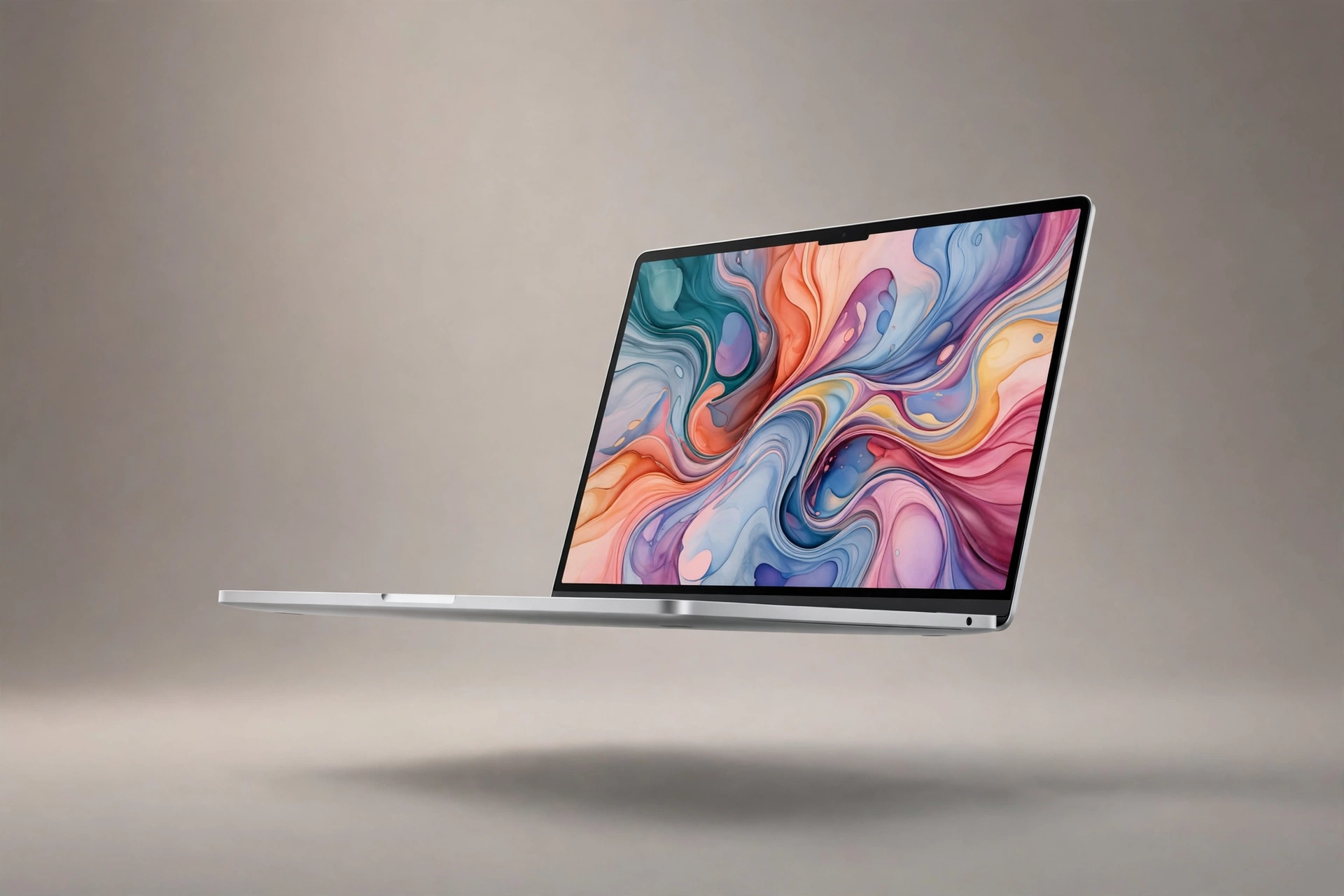
PPI, pixels per inch, decides how sharp a screen looks at arm length. Enter a resolution and a screen size to get the exact pixel density, the pixel pitch, and a plain verdict on whether it counts as Retina-class for its typical viewing distance.
How to use it
- 1 Enter the horizontal and vertical resolution.
- 2 Enter the diagonal screen size in inches.
- 3 Read the PPI and the sharpness verdict.
Frequently asked questions
What PPI is Retina?+
Apple coined Retina at about 326 PPI for phones held near the eye. Larger screens sit further away, so a 220 PPI Mac display looks equally sharp in practice.
Is higher PPI always better?+
Up to the limit your eyes can resolve at that distance, yes. Beyond it, extra pixels cost battery and GPU power with no visible gain.
How do I compare two screens fairly?+
Use the Screen Size Comparison tool to see them to scale, and this calculator for sharpness.